


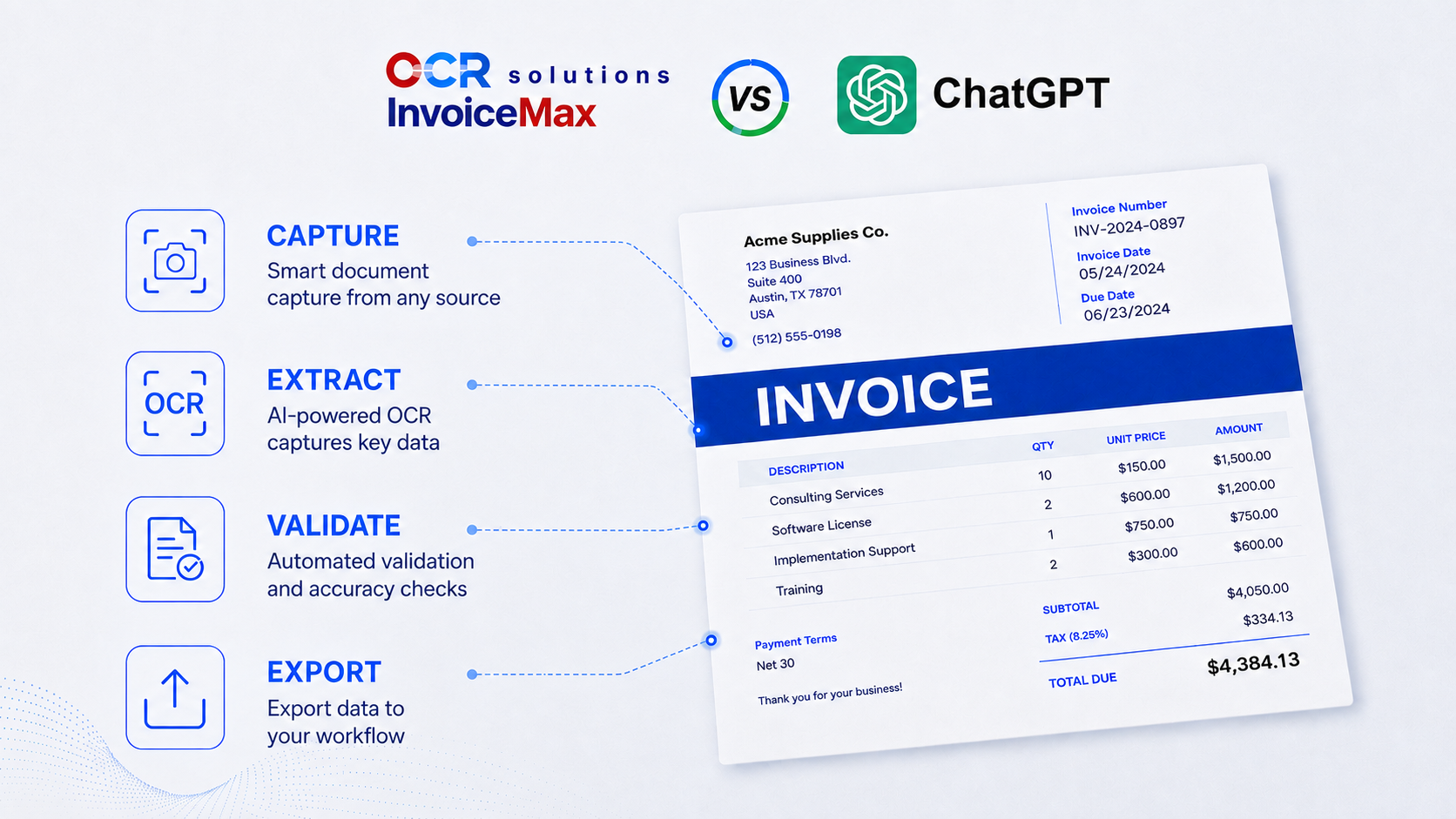
ChatGPT is a multimodal AI assistant that can read an invoice, and for a one-off or unusual document it does that well. OCR Solutions InvoiceMax is accounts payable automation and invoice OCR software built to capture, validate, match, and export invoices at volume. This page compares the two transparently: a general-purpose LLM (large language model, like ChatGPT) against a purpose-built document AI (invoice OCR), so you can understand the differences and decide when to use each. Both can work well; the trick is knowing which one fits the job.
Short answer. Yes, ChatGPT can read invoices and pull fields from a PDF or image, which makes it useful for ad-hoc, low-volume, or messy documents. No, it is not built to run accounts payable: it has no confidence scoring, exception handling, audit trail, purchase-order matching, 2- or 3-way matching, or straight-through ERP export. For recurring AP, that gap is the whole story.
ChatGPT earns real credit here, and a fair comparison starts with what it does well.
For occasional extraction, a quick figure off a PDF, or a document too unusual to fit a fixed template, ChatGPT is a reasonable first reach. Nothing below is meant to argue otherwise.
Yes. Modern multimodal models like ChatGPT read invoices quite well, and for one-off or non-standard documents they often handle layouts that template- or definition-based tools (as they are known in the industry) struggle with. Drop a single invoice in, ask for the vendor, dates, totals, and line items, and you will usually get a good answer. The question for an AP team is not whether ChatGPT can read an invoice. It is whether it can read it the same way every time, flag low-confidence values, apply business rules, and send the result to your ERP without time-consuming manual intervention. That is a very different job from reading one-off documents well: consistency and the right tooling are what catch errors, give you clean data, and save hours, if not days.
This is not a criticism of ChatGPT's reading ability. These are the gaps between a general-purpose AI used for quick productivity and a purpose-built tool, refined over years, that is designed to run an accounts payable operation, whether enterprise or small business.
Cost at volume. General AI tools rarely offer volume pricing, which makes them expensive, and hard to budget, once you are processing a thousand pages or more. A purpose-built invoice OCR system has a fixed, measurable cost.
Invoices carry bank details, vendor data, and proprietary pricing. Through the consumer ChatGPT app, those documents are processed on OpenAI's general infrastructure, and your data-handling terms depend on the plan and account type. Enterprise and team tiers add governance, but that is still not the same as keeping financial documents inside your own network. OCR Solutions InvoiceMax can run in the cloud, on-premise, or fully offline, so the documents never leave your secure environment. For cloud deployments, especially in healthcare and financial services, OCR Solutions' cloud is SOC 2 compliant and meets HIPAA requirements.
| Dimension | ChatGPT | OCR Solutions InvoiceMax |
|---|---|---|
| Built for | Ad-hoc, conversational extraction | Production AP automation |
| Repeatable, dependable process | Not repeatable, results may vary | Repeatable, with data validation |
| Risk of incorrect data or math | High, and usually unflagged | Low-confidence fields flagged for review; fields can be programmed for simple-to-complex calculations |
| Confidence scores and exception routing | No | Yes |
| Audit trail | No | Yes |
| 2-way and 3-way matching | No | Yes |
| Straight-through ERP integration | No native push | Export to SAP, QuickBooks, Acumatica, Sage, and more |
| Data location and deployment | General cloud model (OpenAI) | Cloud, on-premise, or offline |
| Throughput and cost at volume | Rate limits, unpredictable | Built for batch volume, with a measurable cost you can budget for |
| Best for | One-off, messy, exploratory documents | Recurring, high-volume AP invoices |
ChatGPT is OpenAI's multimodal AI assistant, available on the web, in apps, and through an API. It reads text, images, and PDFs and answers questions about them, including pulling fields from an invoice. It is a general-purpose model, not a dedicated invoice or accounts payable product.
Yes. ChatGPT can read an invoice image or PDF and return the vendor, dates, totals, and line items, often handling unusual layouts well. It works best for one-off or low-volume extraction. It does not validate the values, score its own confidence, or route uncertain fields for review, so the output still needs a human check before anyone trusts it for the books.
For a quick look at a single document, often yes. For accounting and AP, it is not a safe solution on its own: you also need to know which fields to trust, keep an audit trail, and match invoices to purchase orders. ChatGPT gives an answer without a confidence signal, so a wrong figure looks the same as a right one. That is a risk accounting cannot carry across thousands of invoices.
ChatGPT is a general-purpose model you prompt; OCR Solutions InvoiceMax is purpose-built AP software. InvoiceMax adds what production accounts payable needs: confidence-based validation and exception routing, 2-way and 3-way matching, straight-through ERP export, an audit trail, and cloud, on-premise, or offline deployment, backed by a development team that understands the industry. ChatGPT wins on flexibility and zero setup; InvoiceMax wins on repeatability, control, and volume. It is a true enterprise-grade application.
Reach for ChatGPT when the work is occasional, exploratory, or unusual, and a person will sanity-check the result anyway. Reach for purpose-built OCR like OCR Solutions InvoiceMax when invoices arrive regularly, accuracy has to be checkable, and the data must flow into your ERP without re-keying. Many teams start with an LLM to prove the idea, then move to purpose-built capture as volume grows. For the same comparison with another general-purpose model, see Gemini vs InvoiceMax.
If you are already pasting invoices into ChatGPT, you have proven the value of automated reading. The next step is making it repeatable: route invoices into OCR Solutions InvoiceMax, let it validate and flag low-confidence fields, match against your purchase orders, and export straight to your ERP. You can pilot it on a sample of your real invoices before changing anything. Start from the AP automation overview, or compare the field at large in our guide to the best OCR software for invoice processing.
Can ChatGPT convert a PDF invoice to Excel?
Yes, for a one-off conversion. ChatGPT can read a PDF invoice and return the fields as a table you can move into Excel, which is handy for a quick job. For recurring accounts payable it has no validation, repeatability, matching, or ERP push, which is where purpose-built tools like OCR Solutions InvoiceMax take over.
Is ChatGPT's invoice extraction accurate?
ChatGPT reads invoices capably, especially unusual layouts, but it does not score its own confidence, so a wrong value can look as certain as a right one. For accounting, the safer pattern is a tool that flags low-confidence fields for review.
Can ChatGPT match invoices to purchase orders?
No. ChatGPT extracts data from a document but does not run 2-way or 3-way matching against purchase orders and receipts. OCR Solutions InvoiceMax includes that matching as part of the product, which is one of the main reasons AP teams move from an LLM to purpose-built capture.
Is it safe to upload invoices to ChatGPT?
It depends on your plan and your data-handling rules, since invoices contain bank and vendor details. Enterprise and team tiers add governance, but the documents are still processed on OpenAI's infrastructure. OCR Solutions InvoiceMax can run on-premise or offline, so invoices never leave your environment.
Does OCR Solutions InvoiceMax use AI like ChatGPT?
Yes. InvoiceMax is itself AI and OCR software. The difference is purpose: it is built for repeatable invoice capture with validation, matching, and ERP export, rather than general-purpose prompting. This page compares a general-purpose LLM with purpose-built document AI, not AI against no-AI.
Request a trial and run OCR Solutions InvoiceMax against a sample of your real invoices to see repeatable capture, confidence flags, matching, and ERP export on your own layouts. See the AP automation platform.
