


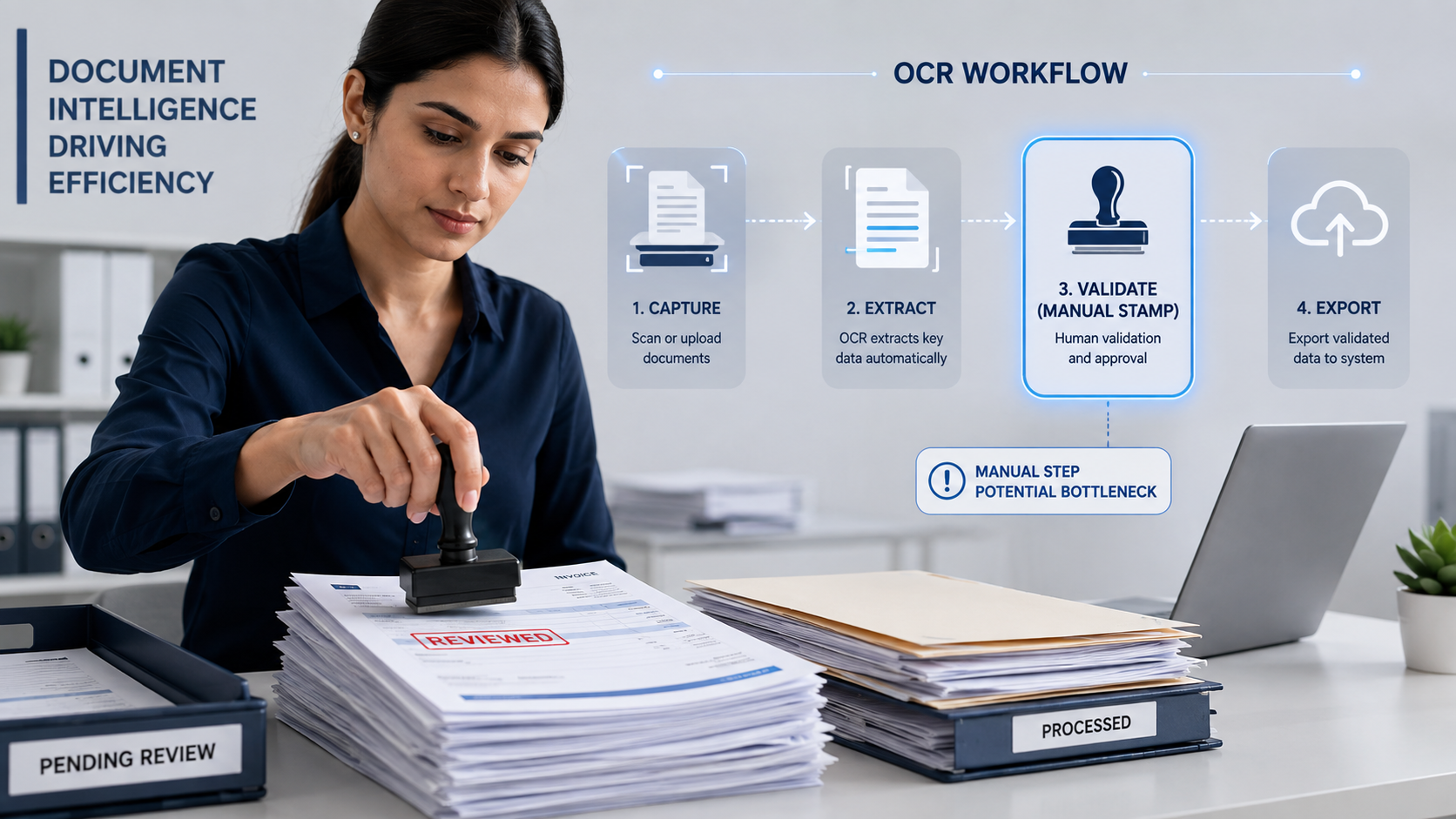
In accounts payable and document processing environments, stamping remains one of the most persistent manual tasks. Staff still open invoices, apply “Received,” “Approved,” “Paid,” or custom status stamps, then save or forward the file. This step is often treated as unavoidable, yet it consumes time, interferes with capturing the data via OCR on a document, introduces inconsistency, and creates bottlenecks—especially when the same document must be stamped again later in the approval cycle.
Manual stamping typically happens at multiple points:
Each instance requires someone to locate the file, open it, apply the correct stamp in the right location, and re-save or re-route it. Multiply that by dozens or hundreds of invoices per day and the cumulative effort becomes significant.
Errors are commom:
Audit trails suffer due to human action that is slower than automated system events.
OCR Solution's Invoice software includes an automatic stamping module that addresses the moment a document is received or throughout its routing through the workflow process. This capability is part of the Invoice Module package, and no extra license or add-on is required.
The module can be invoked more than once in the same workflow. A commom pattern is:
Because the stamps are applied by the system according to defined rules, placement, content, and timing stay consistent. The document never needs to be opened solely for the purpose of adding a visual status mark.
Stamping is only one piece of the manual workload. The larger opportunity sits in the approval process that surrounds it. Most organizations still perform these steps manually:
These features can be quickly automated directly from the document content and workflow rules:
When routing, escalation, and delegation run automatically, the accompanying stamps can also be applied at the right moments without human intervention. The combination removes entire categories of repetitive work.
Organizations that move from manual stamping and manual routing to automated equivalents consistently report meaningful reductions in processing time. Stamping and routing automation alone frequently frees staff from low-value document handling to focus on exceptions, vendor relationships, and higher-value tasks.
Consistency improves at the same time: every document receives the correct stamp at the correct stage, the audit trail is system-generated, and the visual status on the document always matches the workflow state.
Manual stamping persists largely because it feels simple and familiar. In reality it’s a recurring tax on every invoice that enters the organization. Embedding automatic stamping in the Invoice Module—and pairing it with automated approval assignment, escalation, and delegation—removes that tax at multiple points in the same workflow.
If your team is still opening files just to apply a stamp or to decide who should see the document next, it may be time to let the system handle both.
