


Most remote identity workflows still ask the guest, patient, visitor, or buyer to do something they hate: install an app before they can finish checking in. Some give up halfway through. Others call your front desk and ask what went wrong.
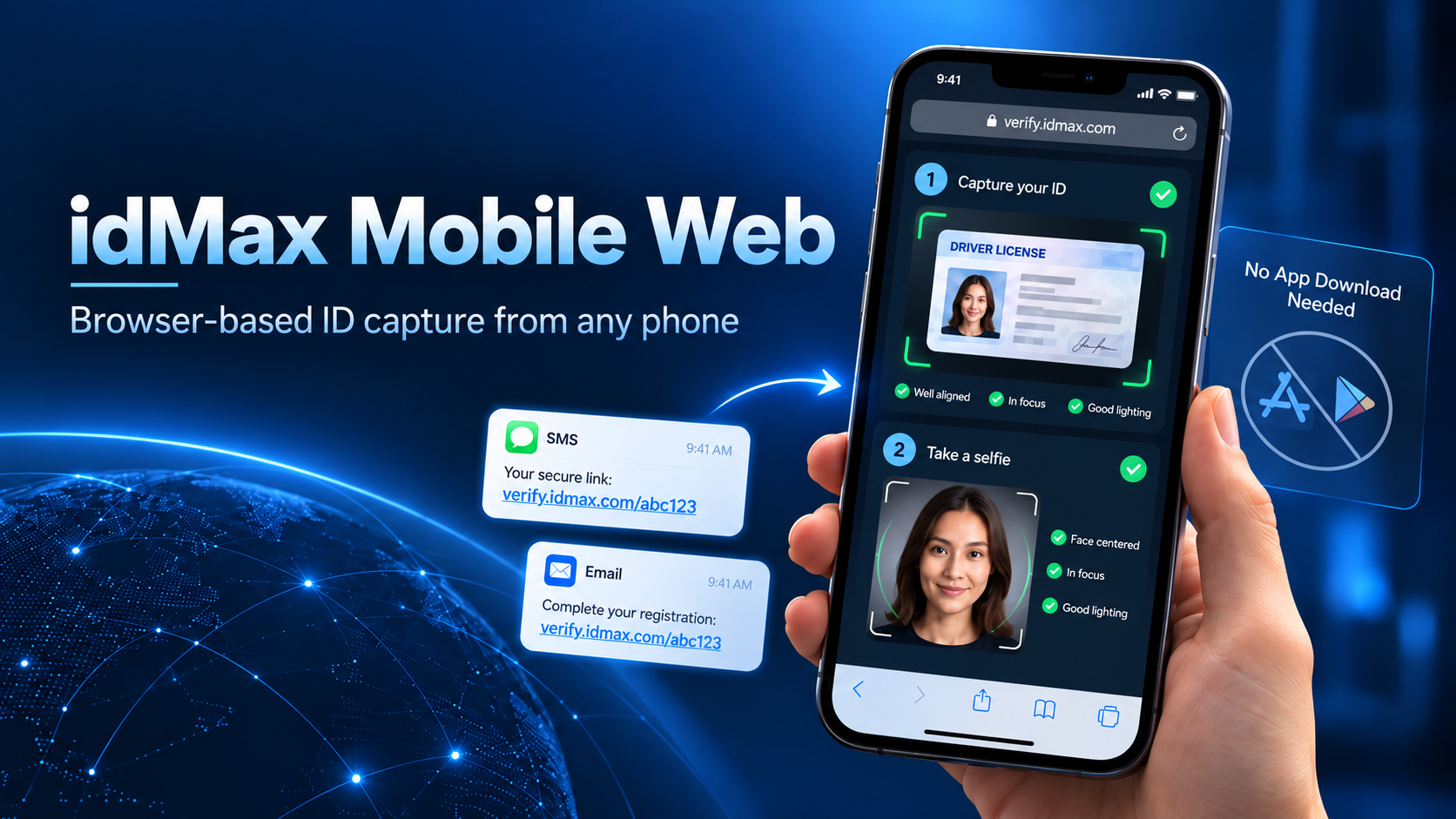
We built idMax Mobile Web inside our idMax identity stack for that exact problem. It is zero-download, browser-based ID capture for remote pre-registration from any mobile device. You send a secure link by SMS or email. The person opens it on their phone, captures their ID, takes a selfie, and gets guided through auto-capture with image quality checks. No app store. No install. No “update required” wall.
Pre-registration only works if completion rates stay high. Hotel guests, campus visitors, dealership buyers, clinic patients, and KYC applicants are not employees on a managed device. They are on whatever phone they have, often on slow hotel Wi-Fi or a spotty cellular connection.
Asking them to find an app, create an account, grant a pile of permissions, and then figure out your capture screen is friction you do not need. Browser-based capture keeps the ask small: open the link, follow the on-screen prompts, done.
The sequence is simple on purpose.
On our side, that session feeds the same identity pipeline we use elsewhere in idMax: OCR on the card, MRZ and barcode where the document carries them, and the checks you need for your industry. The mobile web piece is the front door. The verification depth is still yours to configure.
We see the same pattern across industries that need identity before the person walks in the door:
In each case the job is the same: get a good ID image and a selfie from someone who is not on your network and not about to install your software.
Bad images are the silent killer of remote ID. Glare on a laminate license, a thumb over the barcode, a selfie taken in a dark parking lot — those sessions come back as exceptions, and your staff ends up doing the work anyway.
Auto-capture with on-screen quality guidance pushes the correction to the moment of capture. The person sees that the card is too far, too tilted, or washed out by flash, and fixes it before the image is accepted. You spend less time chasing retakes and more time on the cases that actually need a human eye.
A secure link is not a public upload form. Sessions are intended for a specific pre-registration event. You control when the link goes out and how the captured data returns into your visitor, POS, EMR, or KYC system.
For teams that also capture IDs at a counter or with multi-spectrum scanners, this mobile web path sits next to our SDK and workstation options. Same company, same identity focus — different door for people who are still offsite.
Browser capture is the right tool for remote pre-registration. It is not a replacement for every capture scenario. High-security desks that need UV/IR, document liveness against a physical scanner, or a fixed webcam station still belong on a counter workflow. We build those too. The point of Mobile Web is to stop forcing the remote guest through an install just to start the process.
If your pre-registration still depends on “please download our app,” you are paying for that friction in drop-offs and front-desk cleanup. idMax Mobile Web gives you zero-download, browser-based ID and selfie capture from any mobile device, delivered through a secure SMS or email link, with auto-capture and quality guidance built in.
That is the product in one sentence. The rest is whether your process is ready to send the link.
If you want to walk through a remote pre-registration session end to end, request a demo with OCR Solutions. We will send a sample link, capture an ID and selfie in the browser, and show how the session lands in your workflow.
Contact: [email protected] · ocrsolutions.com
