


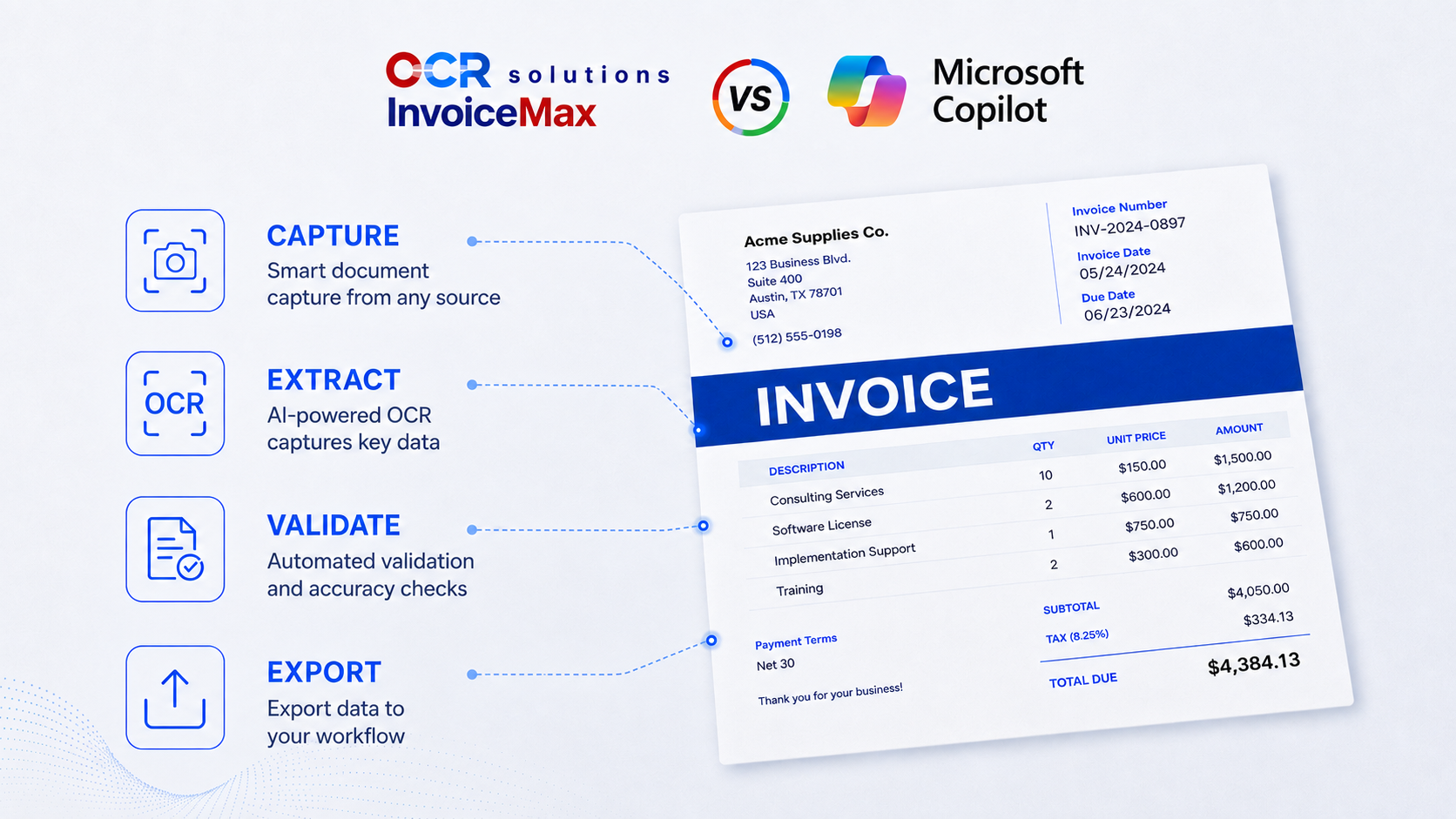
Microsoft Copilot is the AI assistant built into Microsoft 365, and it can read an invoice and pull its extracted details within the apps you already use. OCR Solutions InvoiceMax is an accounts payable automation and invoice OCR software built to capture, validate, match, and export invoices at volume. One point matters before comparing the two methods: Copilot is a general assistant, while Microsoft's purpose-built extraction product is a separate product called Azure AI Document Intelligence (formerly Form Recognizer). People searching for copilot OCR often want that purpose-built extractor, so this page covers both distinctions in a transparent way: general-purpose assistant against purpose-built document AI.
Short answer. Yes, Copilot can help read an invoice and export the invoice details directly into Microsoft 365, which is handy for ad-hoc work. No, it is not built to run accounts payable: it has no confidence scoring (accuracy checks), exception routing, audit trail, matching, or straight-through ERP export. Note that Microsoft's purpose-built extractor is Azure AI Document Intelligence, not Copilot.
Copilot earns a lot of credit in this area, and a fair comparison starts with what it does well.
For occasional extraction, a quick detail off a document, or a question you want answered without leaving Outlook or Excel, Copilot is a reasonable first reach. Nothing below is meant to indicate otherwise; it is a fast and easy way to handle data.
Yes, with a caveat worth noting. Copilot can read an invoice and pull fields like the vendor, dates, and totals from a document in your workflows, and for a one-off or unusual file that is genuinely useful. The caveat is that Copilot is a general assistant, not a dedicated extraction engine. Microsoft's purpose-built document and invoice extraction service is Azure AI Document Intelligence, a different product aimed squarely at structured data capture. The question for an AP team is not whether Copilot can read an invoice. It is whether it reads it the same way every time, tells you when it is unsure, and hands clean extraction results to your ERP without a person in the middle. That is a different job from reading one document well, and it is a major pivot point in deciding what to use.
These are not meant to put down Copilot's reading ability. They are the gaps between a general-purpose assistant and a system specifically built to run accounts payable as accurately and cleanly as possible.
Invoices carry bank details, vendor data, and pricing. Through Microsoft 365, Copilot processes those documents inside your organization's tenant and existing data governance, which is a real privacy advantage over a consumer chatbot. That said, in-tenant cloud processing is still not as secure as keeping financial documents inside your own network: it is not on-premise and not offline. OCR Solutions InvoiceMax can run in the cloud, on-premise, or fully offline, and, most importantly, it is SOC 2 compliant, so the documents do not have to leave your environment at all.
| Dimension | Microsoft Copilot | OCR Solutions InvoiceMax |
|---|---|---|
| Built for | In-context assistance across M365 | Production AP automation |
| Determinism / repeatability | Non-deterministic, can vary | Repeatable, with validation |
| Risk of hallucinated or transposed values | Yes, usually unflagged | Low-confidence fields flagged for review |
| Confidence scores and exception routing | No | Yes |
| Audit trail | Limited; not AP-grade | Yes |
| 2-way and 3-way matching | No | Yes |
| Straight-through ERP integration | No native push | Export to SAP, QuickBooks, Acumatica, Sage |
| Data location and deployment | Microsoft 365 tenant (not on-prem or offline) | Cloud, on-premise, or offline |
| Throughput and cost at volume | Not built for batch AP | Built for batch volume |
| Best for | Microsoft-first teams, ad-hoc questions | Recurring, high-volume AP |
Microsoft Copilot is the general AI assistant embedded in Microsoft 365, available across Word, Excel, Outlook, and Teams. It runs inside your organization's tenant, answers questions, summarizes content, and can pull details from documents like invoices in the flow of work. It is a general-purpose assistant, not a dedicated invoice or accounts payable product, which is the distinction this page is about.
Yes. Copilot can read an invoice and return the vendor, dates, and totals inside Microsoft 365, which works well for one-off or low-volume extraction. It does not validate the values, score its own confidence, or route uncertain fields for review, so the output still needs a human check before anyone trusts it for the books. For structured, repeatable extraction Microsoft points to Azure AI Document Intelligence, not Copilot.
Copilot is the general AI assistant inside Microsoft 365, built for in-context help across your apps. Azure AI Document Intelligence (formerly Form Recognizer) is Microsoft's purpose-built document and invoice extraction service, aimed at structured, repeatable capture. They are different products. People searching for copilot OCR often actually want the purpose-built extractor.
For a quick look at a single document, often yes. For accounting and AP, accuracy alone is not the bar: you also need to know which fields to trust, keep an audit trail, and match invoices to purchase orders. Copilot gives an answer without a confidence signal, so a wrong figure looks the same as a right one. That is the risk accounting cannot carry across thousands of invoices.
Copilot is a general-purpose assistant you prompt inside Microsoft 365; OCR Solutions InvoiceMax is purpose-built AP software. InvoiceMax adds what production accounts payable needs: confidence-based validation and exception routing, 2-way and 3-way matching, straight-through ERP export, an audit trail, and cloud, on-premise, or offline deployment. Copilot wins on convenience inside Microsoft 365. InvoiceMax wins on repeatability, control, and volume. Note too that Microsoft's own purpose-built extractor is Azure AI Document Intelligence, which InvoiceMax competes with on deployment, matching, audit, and straight-through ERP export.
Reach for Copilot when the work is occasional or exploratory, you are already in Microsoft 365, and a person will sanity-check the result anyway. Reach for purpose-built OCR like OCR Solutions InvoiceMax when invoices arrive regularly, accuracy has to be checkable, and the data must flow into your ERP without re-keying. Many teams start with an assistant to prove the idea, then move to purpose-built capture as volume grows. For the same comparison with other general-purpose models, see ChatGPT vs InvoiceMax, Gemini vs InvoiceMax, and Claude vs InvoiceMax.
If you are already asking Copilot to read invoices, you have proven the value of automated reading. The next step is making it repeatable: route invoices into OCR Solutions InvoiceMax, let it validate and flag low-confidence fields, match against your purchase orders, and export straight to your ERP. You can pilot it on a sample of your real invoices before changing anything. Start from the AP automation overview, or compare the field at large in our guide to the best OCR software for invoice processing.
Can Microsoft Copilot do OCR on a PDF invoice?
Yes. Copilot can read a PDF or image invoice inside Microsoft 365 and pull details like vendor, date, and totals. It works best for one-off or low-volume documents. For recurring accounts payable it lacks confidence scoring, exception routing, matching, and ERP export, which is where purpose-built tools like OCR Solutions InvoiceMax take over.
Is Microsoft Copilot the same as Azure AI Document Intelligence?
No. Copilot is the general AI assistant inside Microsoft 365. Azure AI Document Intelligence (formerly Form Recognizer) is Microsoft's separate, purpose-built document and invoice extraction service. People searching for copilot OCR often actually want that purpose-built extractor rather than the assistant.
Is Microsoft Copilot's invoice extraction accurate?
Copilot reads invoices capably, but it does not score its own confidence, so a wrong value can look as certain as a right one. For accounting, the safer pattern is a tool that flags low-confidence fields for review.
Is it safe to upload invoices to Microsoft Copilot?
Through Microsoft 365, Copilot processes documents inside your organization's tenant and governance, which is a real advantage over a consumer chatbot. It is still in-tenant cloud processing, not on-premise or offline. OCR Solutions InvoiceMax can run on-premise or offline so invoices never leave your environment.
Does OCR Solutions InvoiceMax use AI like Microsoft Copilot?
Yes. InvoiceMax is itself AI and OCR software. The difference is purpose: it is built for repeatable invoice capture with validation, matching, and ERP export, rather than general-purpose assistance. This page compares a general assistant with purpose-built document AI, not AI against no-AI.
Request a trial and run OCR Solutions InvoiceMax against a sample of your real invoices to see repeatable capture, confidence flags, matching, and ERP export on your own layouts. See the AP automation platform.
