


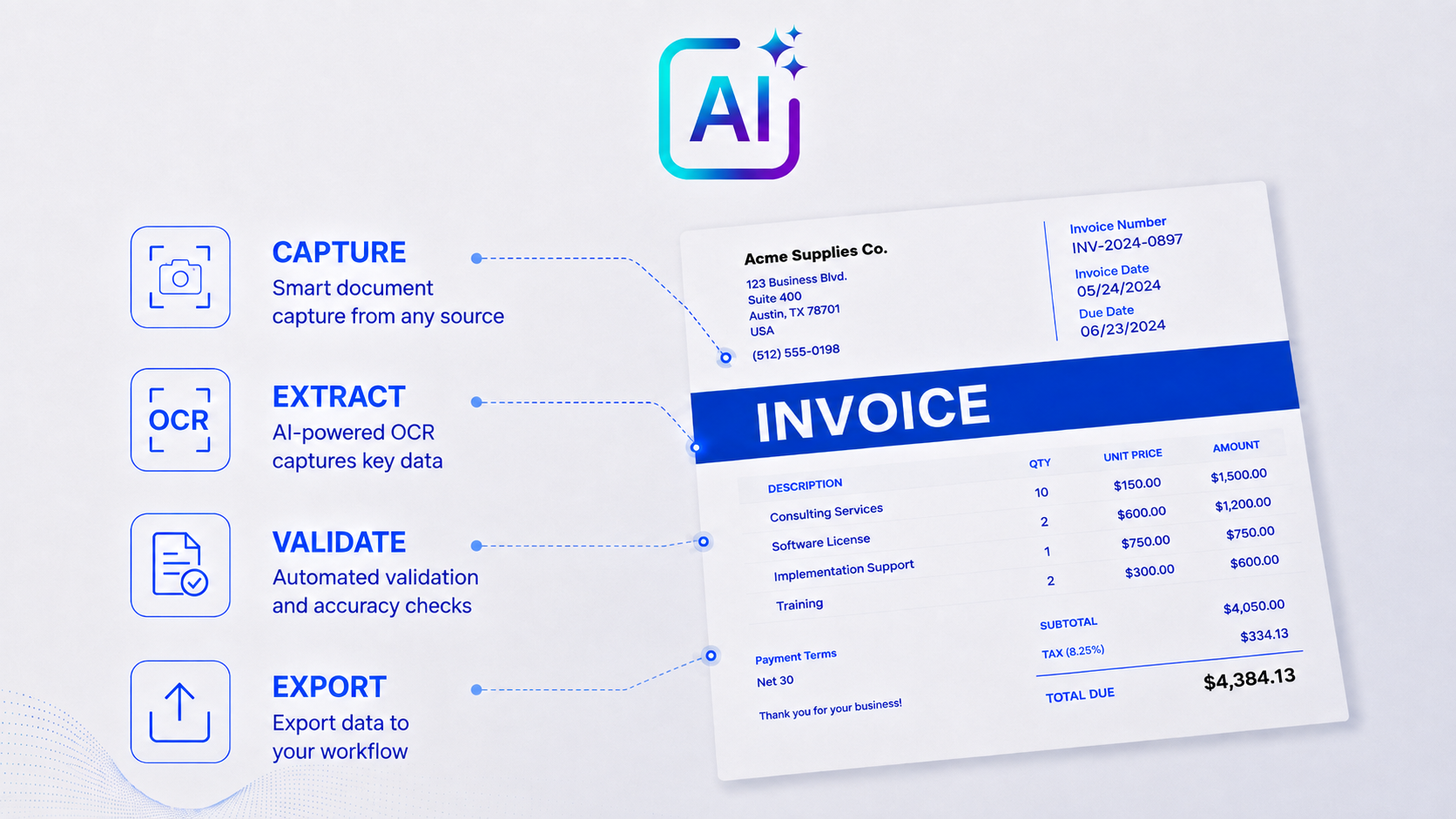
Modern AI and large language models can read an invoice, and for a one-off, low-volume, or standard invoice they do it very well. That is worth emphasizing up front: the reading on its own holds real merit and is genuinely impressive. The honest question is not whether AI can read an invoice. It is whether a general-purpose model is built to run your accounts payable from end to end. This page is about that distinction: general AI and LLMs versus purpose-built document AI, with OCR Solutions InvoiceMax (accounts payable automation and invoice data capture software). For a model-by-model view, this page links down to deep-dives on ChatGPT, Claude, Gemini, and Microsoft Copilot.
Short answer. Yes, AI and LLMs can read invoices and capture their data, and they handle ad-hoc, low-volume, or messy documents well. Where it breaks down is production accounts payable: a general model has no business rules, no volume infrastructure, no confidence scoring, no exception routing, no audit trail, no purchase-order matching, and no straight-through ERP export. For recurring AP volume, that gap is the whole story.
General models earn real credit here, and a fair comparison starts with what they genuinely do well.
As a tool, general AI does an impressive job. But there are real gaps between a capable general model and a system designed to run accounts payable at volume.
Invoices carry bank details, vendor data, and pricing. Through a consumer AI app, those documents are processed on the provider's general infrastructure, and your data-handling terms depend on the plan and account type. Enterprise and business tiers add governance, and a tenant-bound assistant like Microsoft Copilot keeps data inside your existing controls, but none of that is the same as keeping financial documents inside your own network. OCR Solutions InvoiceMax can run in the cloud, on-premise, or fully offline, so the invoices do not have to leave your environment at all.
OCR Solutions InvoiceMax runs on a SOC 2 certified cloud and meets HIPAA requirements, and it can also run on-premise or fully offline so invoices never leave your network.
Each of the major assistants can read an invoice, and each has a different strength. Here is the short version, with a pointer to the full comparison for each one.
ChatGPT is the most widely adopted assistant, with strong vision for reading invoice images and PDFs and a large ecosystem of tools and integrations. It is a strong choice for quick, ad-hoc extraction off a document or two. Its one honest limit is the same as the rest: it reads well but does not validate values, score confidence, or run AP. OpenAI currently has the most developed integrable AI agent, and it is the engine OCR Solutions chose for InvoiceMax. See the full ChatGPT vs OCR Solutions InvoiceMax comparison.
Claude is strong at reasoning over long or messy documents and carries a large context window, so it handles many-page files and bundled invoices in one pass, with vision for images and scans. That makes it a good fit when a document is unusual or needs careful reading. Its honest limit is unchanged: capable reading is not the same as validated, auditable AP capture. See the full Claude vs OCR Solutions InvoiceMax comparison.
Gemini is multimodal with a large context window and sits inside Google Workspace, so it reads PDFs and images well and moves a figure into Drive, Docs, or Sheets conveniently for Google-first teams. It is a reasonable first reach for occasional extraction. Its honest limit is the familiar one: it gives an answer without a confidence signal or a path into your ERP. See the full Gemini vs OCR Solutions InvoiceMax comparison.
Microsoft Copilot is embedded in Microsoft 365 and runs inside your tenant under your existing governance, which makes it convenient and well-controlled for Microsoft-first teams reading the occasional invoice in context. Its honest limit is that the convenience is about access and governance, not validated AP capture. One note: Microsoft's purpose-built extractor is a different product, Azure AI Document Intelligence (formerly Form Recognizer), not Copilot. See the full Microsoft Copilot vs OCR Solutions InvoiceMax comparison.
OCR Solutions InvoiceMax is accounts payable automation and invoice data capture (OCR) software. It is itself a combined AI and OCR product, so the comparison on this page is general-purpose AI versus purpose-built document AI, not AI versus no-AI. The difference is what it is built to do: read invoices the same way every time, tell you when it is unsure, and hand the result to your accounting system without a person re-keying in the middle. Its documented strengths cover the parts of accounts payable that a general assistant leaves to you. You can see the full picture on the AP automation hub.
General AI / LLMs vs purpose-built invoice data capture
| Dimension | General AI / LLMs | OCR Solutions InvoiceMax |
|---|---|---|
| Built for | Ad-hoc, conversational extraction | Production AP automation |
| Determinism / repeatability | Inconsistent, can vary across runs | Repeatable, with validation |
| Risk of incorrect or transposed values | Yes, usually unflagged | Low-confidence fields flagged for review |
| Confidence scores and exception routing | No | Yes |
| Audit trail | No | Yes |
| 2-way and 3-way matching | No | Yes |
| Straight-through ERP integration | No native push | Export to SAP, QuickBooks, Acumatica, Sage |
| Data location and deployment | General cloud models | SOC 2 cloud, on-premise, or offline |
| Throughput and cost at volume | Rate limits, unpredictable | Built for batch volume |
| Best for | One-off, messy, exploratory documents | Recurring, high-volume AP |
For ad-hoc reading, each of the major assistants is capable. For building on top of one, OpenAI currently offers the most developed SDK for working inside a system like InvoiceMax, though that landscape is changing quickly. Either way, none of the general assistants replace purpose-built AP capture once volume is regular and the data has to reach your ERP. The per-model pages below go deeper on each.
Yes. Modern AI and large language models can read an invoice image or PDF and pull fields like vendor, dates, totals, and line items, and they handle one-off or unusual documents well. The limit is production accounts payable: a general model has no confidence scoring, exception routing, matching, or ERP export, which is where purpose-built tools like OCR Solutions InvoiceMax take over.
For ad-hoc reading they are all capable, so pick by ecosystem: ChatGPT for reach and a free tier, Claude for long or messy documents, Gemini for Google Workspace, and Microsoft Copilot for a Microsoft 365 tenant. None of the general assistants replace purpose-built AP capture for recurring, high-volume invoices.
For a quick look at a single document, often yes. For accounting and AP, accuracy alone is not the bar: you also need to know which fields have been extracted properly, keep an audit trail, and match invoices to purchase orders. A general model gives an answer without a confidence signal, so a wrong figure looks the same as a right one. Purpose-built tools are different: OCR Solutions InvoiceMax carries recognition accuracy typically around 97%+ depending on document quality, and on clean invoices reaches roughly 90% straight-through processing, meaning about 9 out of 10 invoices clear the business rules and low-confidence checks and export without a person touching them.
It depends on your plan and your data-handling rules, since invoices contain bank and vendor details. Business and enterprise tiers add governance, and a tenant-bound assistant keeps data inside your existing controls. That said, those documents are still processed on the provider's cloud infrastructure. OCR Solutions InvoiceMax can run on-premise or offline so invoices never leave your environment.
Yes. InvoiceMax is itself a hybrid AI and OCR product. This page compares general-purpose AI with a purpose-built document AI, not AI against no-AI. The difference is purpose: InvoiceMax is built for repeatable invoice capture with validation, confidence-based exception routing, matching, and ERP export, rather than general-purpose prompting one document at a time.
Request a trial and run OCR Solutions InvoiceMax against a sample of your real invoices to see repeatable capture, confidence flags, matching, and ERP export on your own layouts.
Already reading invoices with a general AI model? You have proven the value of automated reading. The next step is making it repeatable and auditable, moving from ad-hoc prompting to automated, straight-through AP capture, and above all to processing at volume.
